Helpful guide
Turn Receipt Photos into PDF
Receipt photos look messy or take up too much space? Turn them into clean PDF files without any complicated steps.
Fastest next step
Skip the guide and go straight to the tool — it takes about 30 seconds from upload to download.
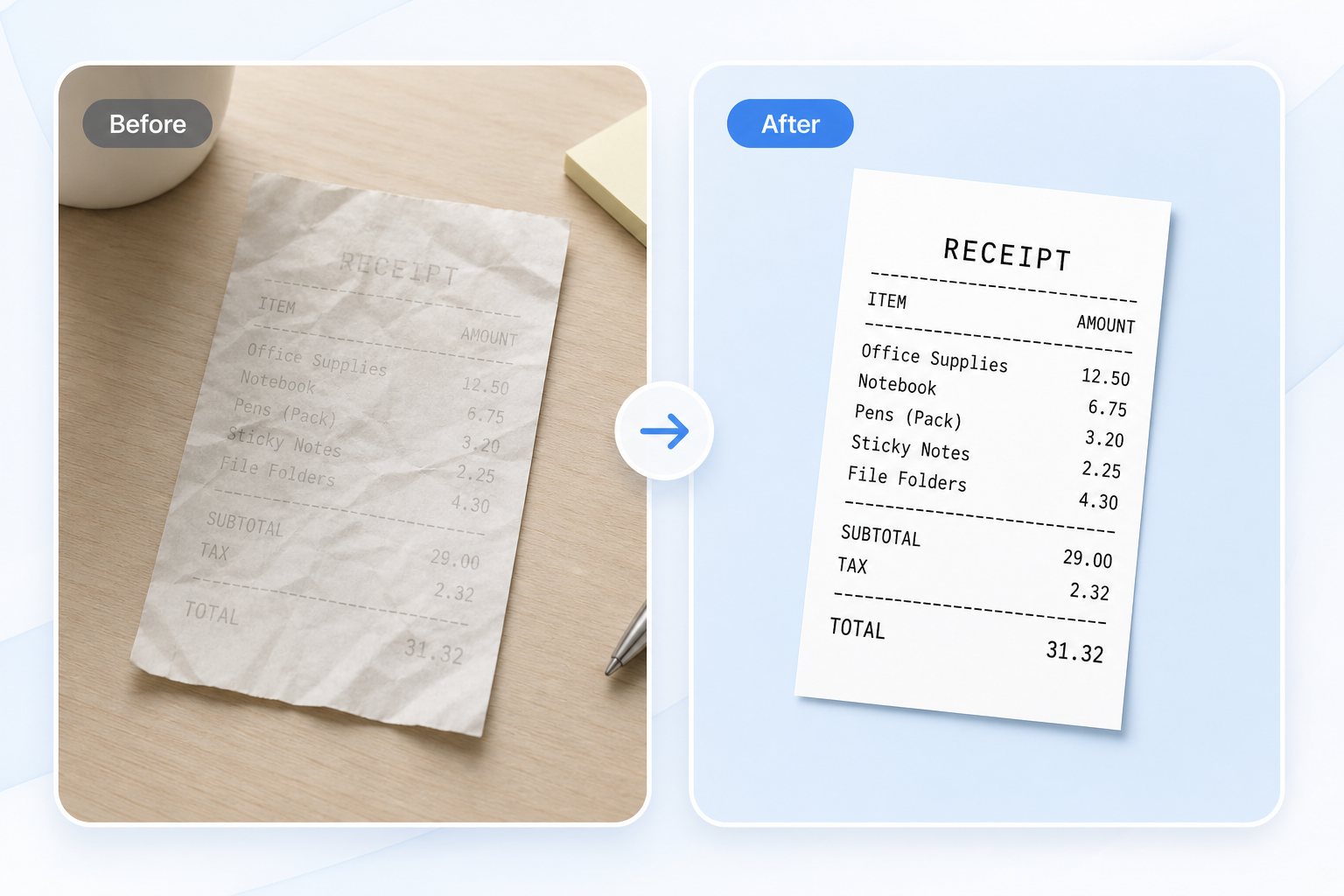
What problem this solves
- • Receipt text is hard to read.
- • The receipt photo is too large for upload.
- • You want one cleaner record file instead of loose images.
Best for
- • Receipts
- • Expense records
- • Store returns
- • Simple filing
What to do next
- 1. Check whether the receipt needs cleanup
- 2. Compress or resize if needed
- 3. Convert the receipt photo to PDF
- 4. Download or upload the final file
Why this page exists
Many people search with everyday words like picture to PDF, screenshot to PDF, iPhone photo to PDF, receipt photo to PDF, or make image smaller for upload. This page keeps those paths readable while pointing to the main working tool.
Why PhotoToPDF feels easier
- • Clear tool naming for non-technical users
- • Better next-step guidance between compress, resize, photo to PDF, image to PDF, and JPG to PDF workflows
- • Practical upload scenarios instead of abstract feature lists
- • Browser-first tools whenever possible
Related search phrases
photo to PDFimage to PDFpicture to PDFJPG to PDFPNG to PDFmultiple images to PDFmake image smaller for upload