About PhotoToPDF

Photo to PDF, image compression, and file resizing — all in one place

You have images that need PDF, or files too large to upload? Pick the right tool, make the adjustment, and download the result — no sign-up, no learning curve.

ConvertTurn photos and images into PDF files for forms, school, and work.
PrepareCompress or resize files before upload when size limits get in the way.
UploadUse clearer, smaller, more compatible files for portals and email.
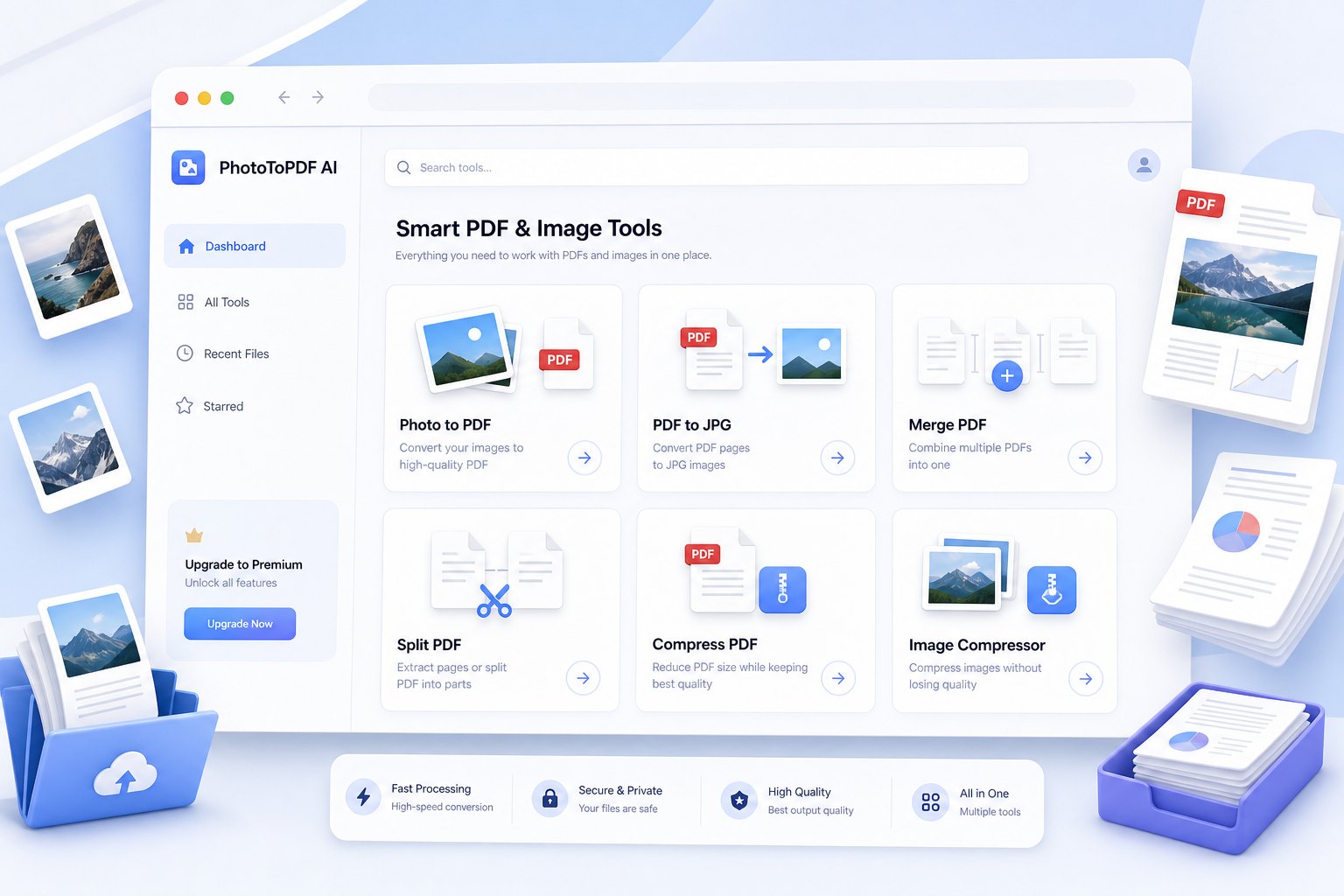
Preview of PhotoToPDF tools for converting images, compressing files, and preparing upload-ready documents

What you can do here

Turn phone photos into PDF

Combine camera photos, screenshots, document pictures, and notebook pages into one PDF that is easier to send or upload.

Fix file size before upload

Compress or resize large image files when a website rejects them or an email attachment becomes too big.

Use the right image format

Switch between JPG, PNG, HEIC, and PDF workflows when a portal or app only accepts certain file types.

Tools you can use right now

  • • Turn photos, JPGs, or PNGs into PDF — works with screenshots and camera images
  • • Compress or resize images before upload to avoid size limit errors
  • • Convert PDF back to images when a form does not accept PDF files
  • • Step-by-step guides for receipts, homework, and document photos

How it works in three steps

  1. 1. Pick the file task you need.
  2. 2. Upload, compress, resize, or convert in a few clear steps.
  3. 3. Download the result and use it wherever you need.

Start with one of these